
FrameCap › Guides
How to Get the Code from a YouTube Tutorial
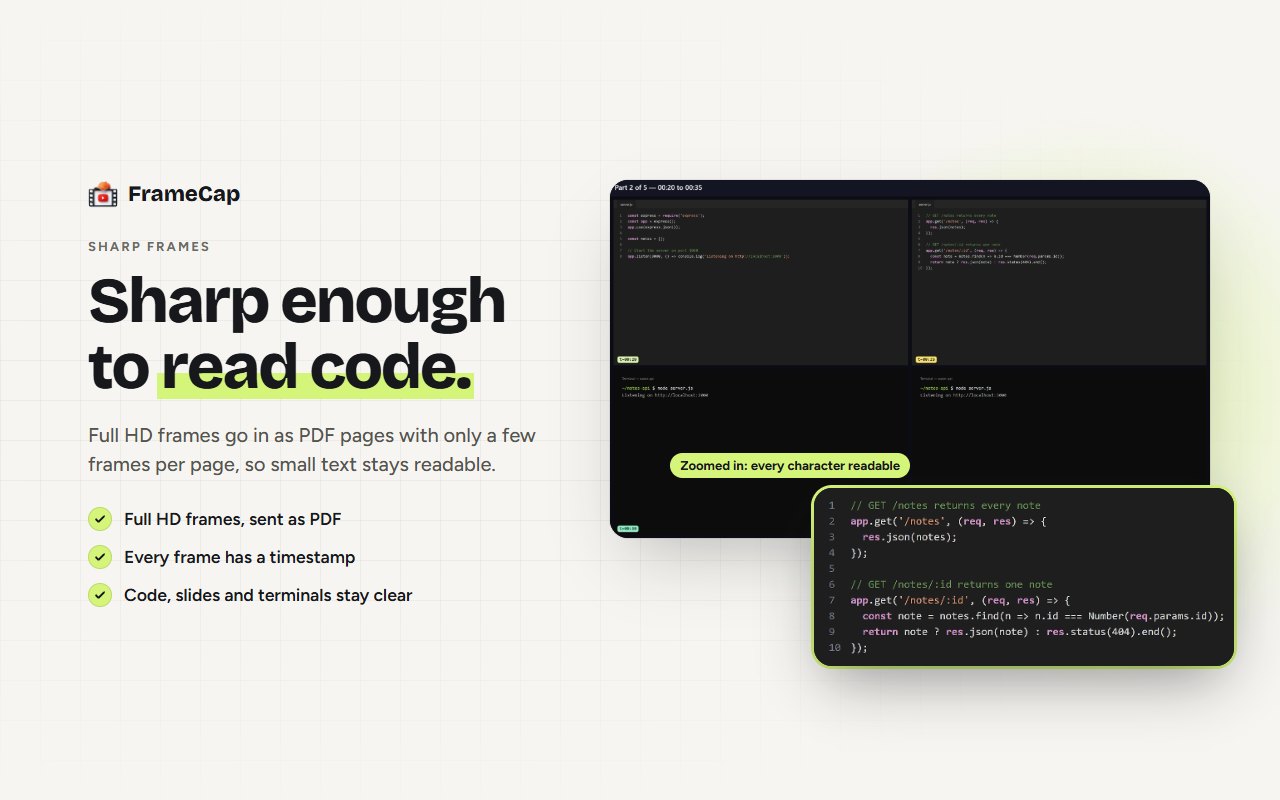
Let your AI read it off the screen. Capture sharp frames of the tutorial, each with a timestamp, and send them with the transcript to ChatGPT, Claude, Gemini or Perplexity. Then ask: "Write out the code shown at 4:12." The AI reads the code from the frames, so you don't have to pause and retype it.
Why the transcript isn't enough
Creators rarely read code out loud. They say "add this line" or "now run this", and the actual code is only on screen. A transcript tool gives your AI the words, so it has to guess the code. Frames give it the code itself.
How to do it
- Install FrameCap from the Chrome Web Store (free, no account).
- Open the YouTube video and click the FrameCap button on the page.
- Pick what to capture (pictures and words is the default) and how often (a frame every 1 to 15 seconds).
- Click Send to AI and choose your AI. FrameCap opens it with a PDF of the frames, the transcript and a ready prompt.
- Ask your question, for example: "What command is typed at 4:12?"
Tips for code-heavy tutorials
- Capture often. A frame every 1 or 2 seconds catches code as it's typed.
- Capture only the part you need. Use a custom start and end time, so the AI gets the coding section and not the intro.
- Ask with timestamps. "Write out the full file shown between 6:10 and 7:30" works better than "give me the code".
- Check before you run it. AI can misread a character in a frame. Run the code and compare with the video if something fails.
- Building a whole project? Use AI Agents mode and give the ZIP to your coding agent. See How to give a YouTube tutorial to Claude Code, Cursor or Codex.
Limits to know
- FrameCap works on YouTube only, for now.
- Videos up to 60 minutes. Live streams aren't supported.
- The transcript needs the video to have captions (auto-generated captions work). FrameCap doesn't do speech-to-text yet.
- Your AI still does the thinking, within its own plan's upload limits.
FAQ
Can AI read code from a YouTube video?
Yes, if it gets clear frames of the screen. FrameCap captures sharp, timestamped frames (up to 4K in AI Agents mode) so the AI can read code, commands and terminal output.
Which AI is best for reading code from frames?
ChatGPT, Claude and Gemini all read code from images well. FrameCap works the same way with each of them, so use the one you already have.
What if the tutorial has no captions?
FrameCap still captures the frames, so your AI can read the code. It just won't get the spoken words, because FrameCap needs captions for the transcript.