
FrameCap › Guides
How to Give a YouTube Tutorial to Claude Code, Cursor or Codex
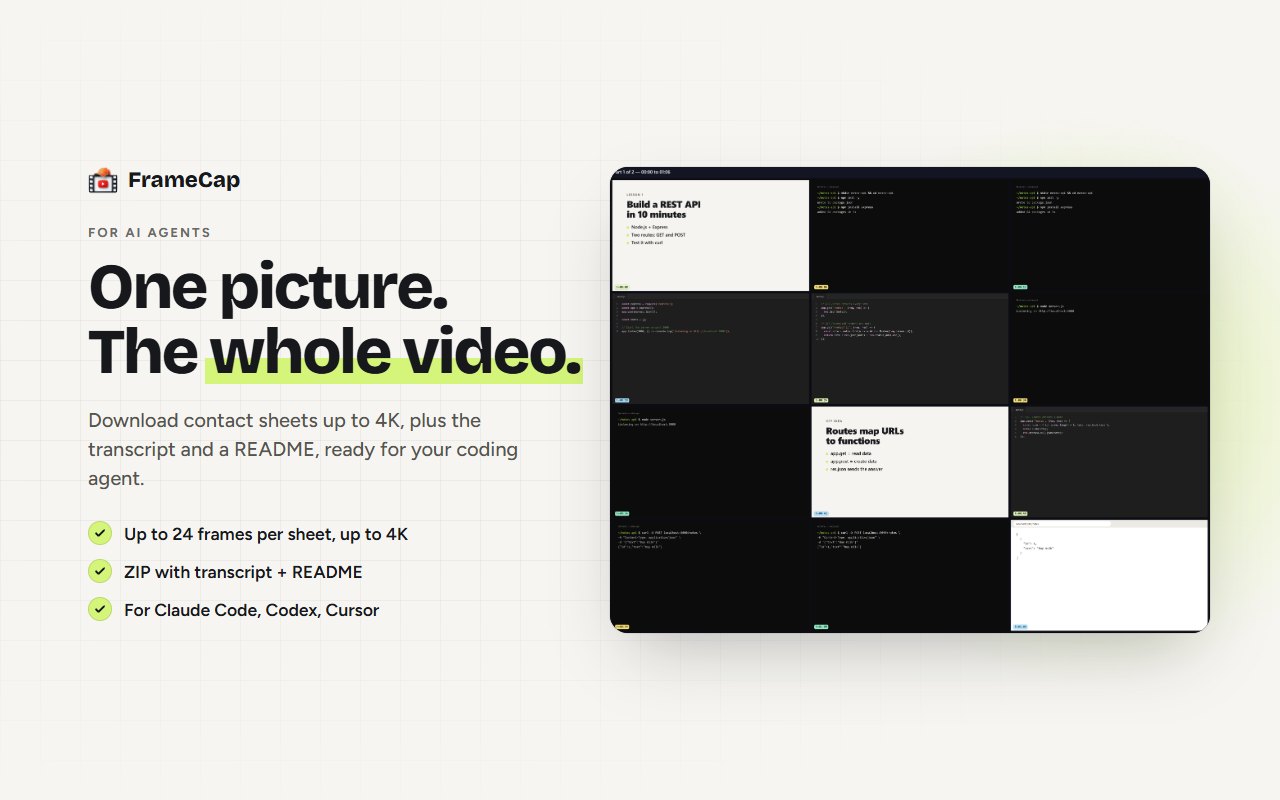
Download the tutorial as a ZIP your agent can read. In FrameCap's AI Agents mode, one click on a YouTube video saves frame grids (1080p or 4K, every frame timestamped), the full transcript and a README that tells the agent how to read them. Unzip it into your project and ask your agent to follow the tutorial.
What's in the ZIP
- Frame grids: pictures with 2 to 24 frames each (12 by default), every frame labelled with its timestamp. Choose 1080p or 4K, and PNG (sharpest for code) or JPG (smaller).
- The transcript: what was said, with timestamps, so the agent can match words to frames.
- A README: tells the agent what the files are and how to read them.
How to do it
- Install FrameCap and open its settings. Set the destination to AI Agents.
- Open the YouTube tutorial and click the FrameCap button on the page.
- Pick how often to capture (every 1 to 15 seconds) and which part of the video.
- Click Send to AI. FrameCap downloads the ZIP.
- Unzip it into your project folder and give your agent a prompt like the one below.
Example prompt
Read the FrameCap folder in this project. Start with README.md, then look at every frame grid in order and read the transcript. Follow the tutorial step by step: list the setup commands, the files it creates and the code shown on screen, with timestamps. Then build the same thing here. Ask me before installing anything.Which agents work
Any coding agent that can read images and text files in your project, including Claude Code, Codex and Cursor. FrameCap doesn't connect to the agent directly yet; you hand it the folder.
Limits to know
- FrameCap works on YouTube only, for now.
- Videos up to 60 minutes. Live streams aren't supported.
- The transcript needs the video to have captions (auto-generated captions work). FrameCap doesn't do speech-to-text yet.
- Your AI still does the thinking, within its own plan's upload limits.
FAQ
Is AI Agents mode free?
Yes. The ZIP for AI agents, including 4K frames, is part of the free FrameCap extension.
How big is the ZIP?
It depends on the video length, how often you capture and the format. PNG keeps code sharpest; JPG makes the ZIP smaller. A frame every 5 to 10 seconds is enough for most tutorials.
Can FrameCap connect to my agent directly?
Not yet. A direct connection for AI agents is planned for FrameCap Pro. Today you download the ZIP and put it in your project.