
FrameCap › Guides
YouTube Summary Extensions Read the Words. This One Sees the Screen.
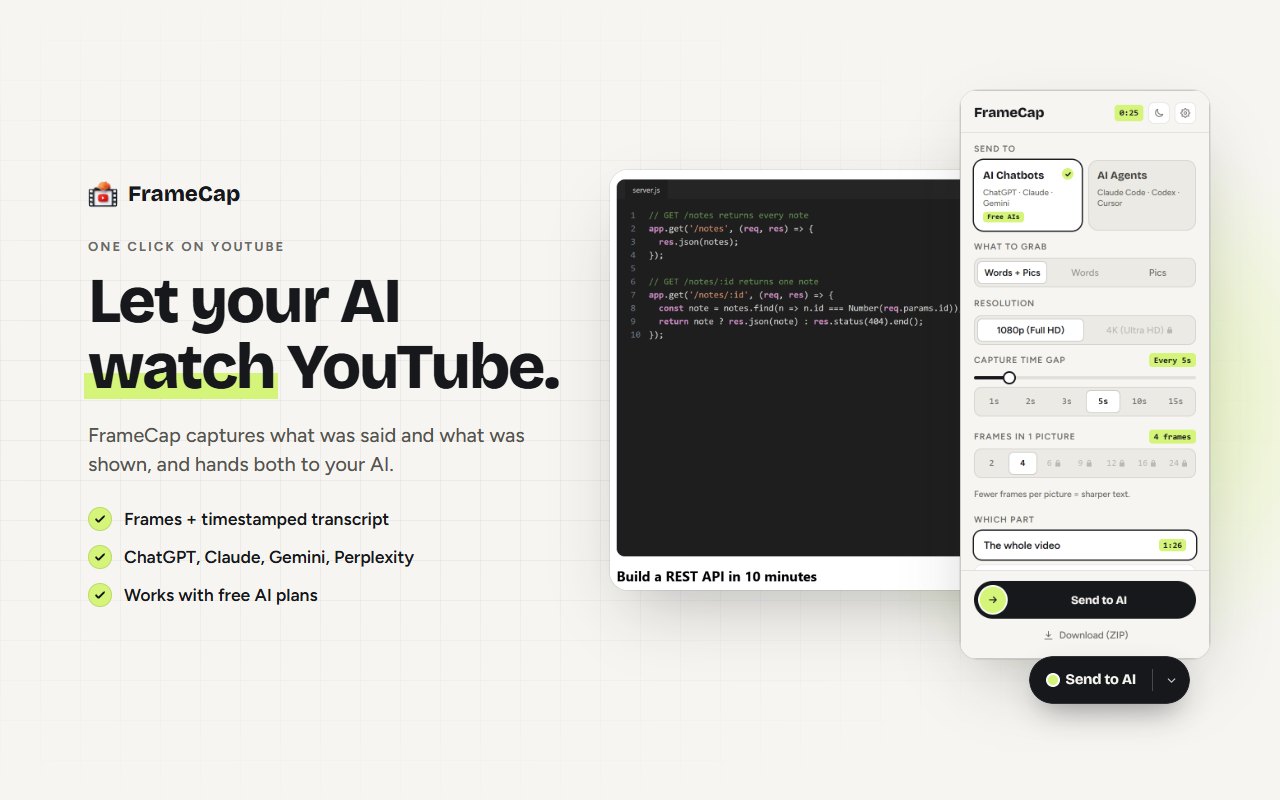
Most YouTube summary extensions work from the transcript. They summarise what was said. FrameCap also captures sharp, timestamped frames of the screen, so your AI sees the code, slides, formulas and settings that were shown but never said. It's free, and it sends both to ChatGPT, Claude, Gemini or Perplexity.
Words vs the screen
A transcript is perfect for talks, podcasts and interviews, where everything important is spoken. It falls short on tutorials, lectures and software how-tos, where the key detail is often only on screen: a command, a formula, a menu path, a chart.
How the popular extensions compare (October 2026)
Based on each extension's Chrome Web Store listing in October 2026:
- Eightify: AI summaries from the transcript, for long videos, with key ideas and timestamps. Paid after a trial.
- NoteGPT: transcript-based summaries, and it can also handle videos without captions. Free plan with a monthly quota.
- Glasp YouTube Summary: free. Copies the transcript and sends a summary prompt to ChatGPT or Claude.
- FrameCap: free. Sends the transcript plus sharp, timestamped frames of the screen to ChatGPT, Claude, Gemini or Perplexity, or a ZIP for coding agents.
When a summary extension is the better choice
- You want a quick text summary of a talk or podcast, where nothing important is on screen.
- The video is longer than 60 minutes. FrameCap supports up to 60 minutes today.
- The video has no captions. Some summary tools can transcribe audio; FrameCap can't yet.
When FrameCap is the better choice
- Coding tutorials, where the code is on screen. See How to get the code from a YouTube tutorial.
- Lectures with slides, whiteboards or math.
- Excel, design and software how-tos, where the answer is a formula or a setting.
- Feeding a tutorial to a coding agent. See How to give a YouTube tutorial to Claude Code, Cursor or Codex.
Limits to know
- FrameCap works on YouTube only, for now.
- Videos up to 60 minutes. Live streams aren't supported.
- The transcript needs the video to have captions (auto-generated captions work). FrameCap doesn't do speech-to-text yet.
- Your AI still does the thinking, within its own plan's upload limits.
FAQ
Is FrameCap a YouTube summarizer?
Not exactly. FrameCap doesn't write the summary itself. It gives your own AI (ChatGPT, Claude, Gemini or Perplexity) the transcript plus frames of the screen, and your AI summarises, explains or answers questions.
Does FrameCap cost anything?
No. FrameCap is free for YouTube videos, with no account and no API key.
Can I use FrameCap together with a summary extension?
Yes. They do different jobs. Use a summary extension for quick text summaries, and FrameCap when your AI needs to see the screen.